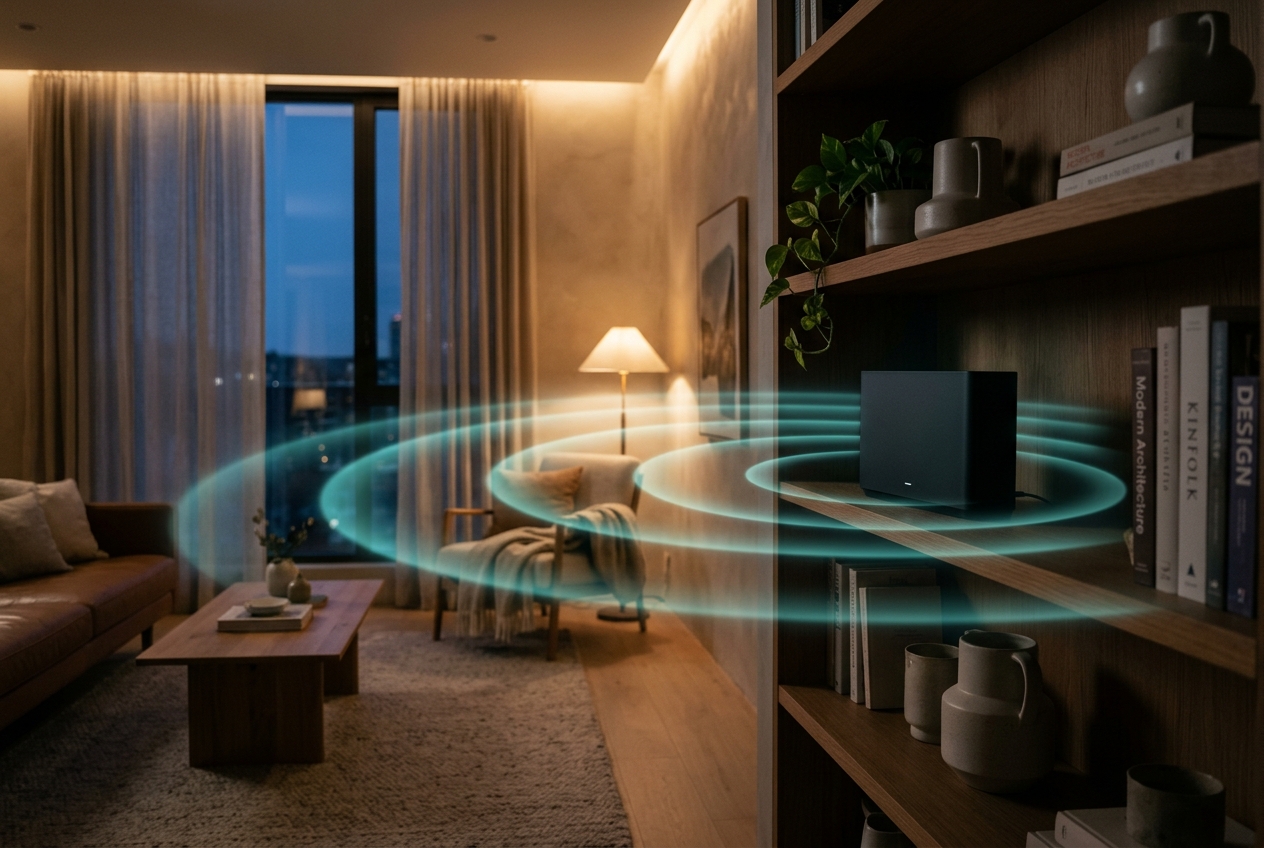
WiFi beacons
Every access point announces itself about ten times a second. On a persistence display they're faint, steady pulses, the heartbeat of the room.
They're all around you
Every room you walk into is alive with conversations you can't hear and light you can't see. Billions of radio packets, flickering through walls, bouncing off furniture, passing straight through you. With the right tools, you can finally open your eyes to them.

Invisible is not the same as absent
Your eyes catch a sliver of the electromagnetic spectrum, roughly 400 to 700 nanometres. WiFi lives at wavelengths of 5 to 12 centimetres, far outside that window. It's still light, though, just a colour nobody was built to see.
iseewifi is about building the eyes we're missing. Pair a software-defined radio with a GPU and you can watch the spectrum in real time. Add a phased antenna array and you can point at a wall and see where the signals are coming from.
Two ways of seeing
One shows you what is in the air. The other shows you where it's coming from.
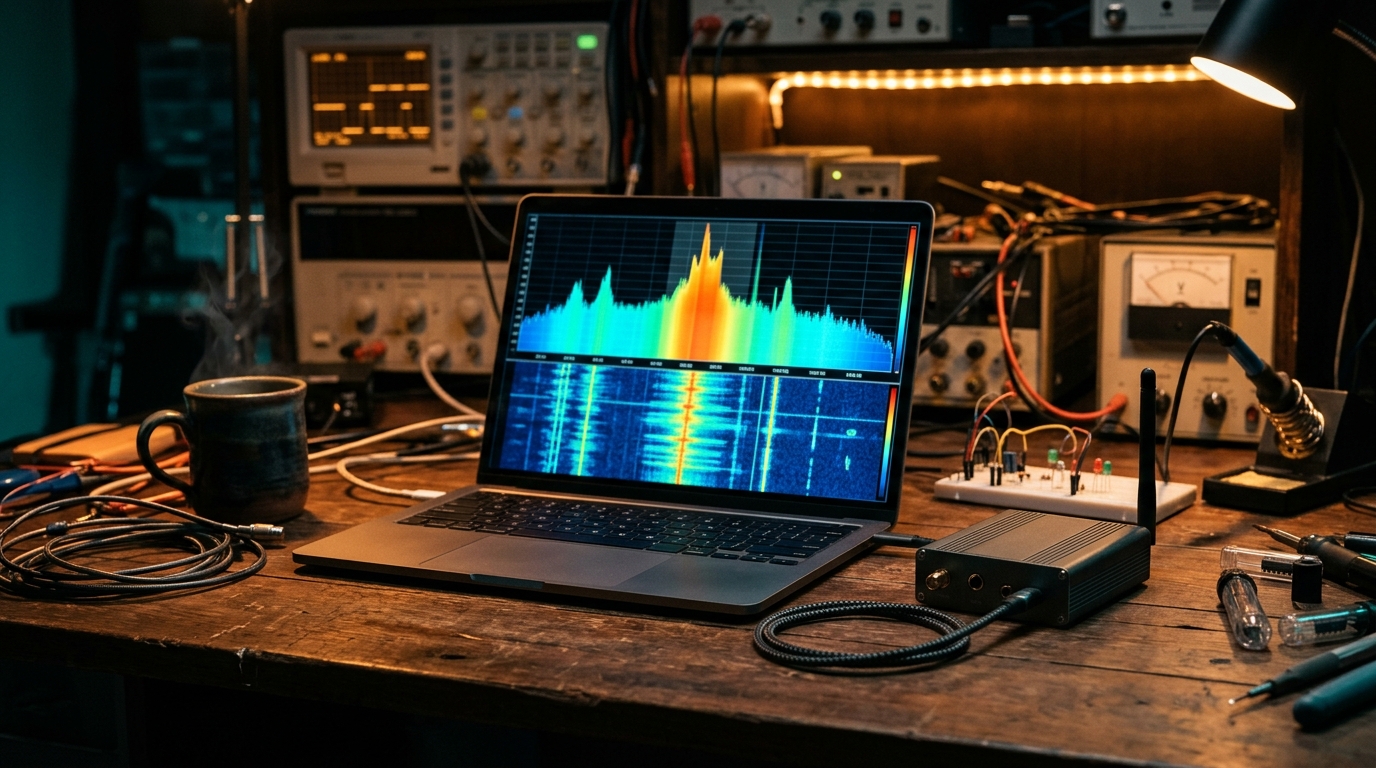
A real-time spectrum analyser on your laptop. Every WiFi burst, Bluetooth hop and microwave-oven hum shows up as its own colour.
Explore →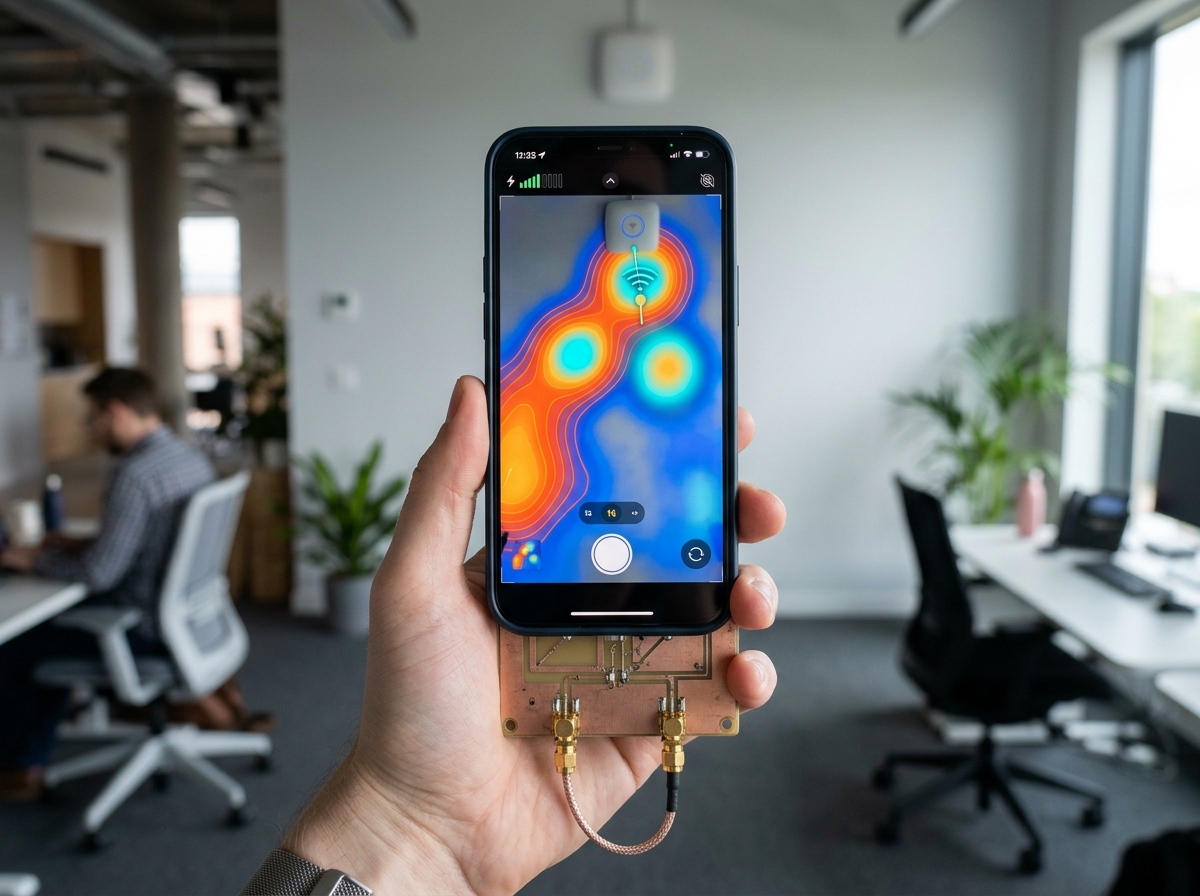
An RF camera. Four coherent antennas work out where each signal arrives from and paint it over live video.
Explore →Chapter one · Spectrum
Ordinary spectrum analysers sweep, then average, then draw. By the time they've drawn, the brief WiFi packets they were looking for have already gone. gr-fosphor is a GNU Radio block from the Osmocom project. It hands the work to your GPU through OpenCL and OpenGL and draws a persistence display: every FFT is accumulated into a colour histogram, the way a real-time spectrum analyser (RTSA) does.
What you get is a glowing, breathing map of the band. Rare bursts flicker blue. Steady carriers burn red. WiFi's 20, 40 and 80 MHz channels show up as clean flat-topped plateaus, and Bluetooth draws a scatter of tiny sparks hopping across them.
An illustration of what a fosphor-style display looks like on the 2.4 GHz band.
# Debian / Ubuntu: GNU Radio, the Osmocom source block and fosphor
sudo apt install gnuradio gr-osmosdr gr-fosphor

# Tune to WiFi channel 6 with 20 MHz of bandwidth, fosphor display (-F)
osmocom_fft -F -f 2.437e9 -s 20e6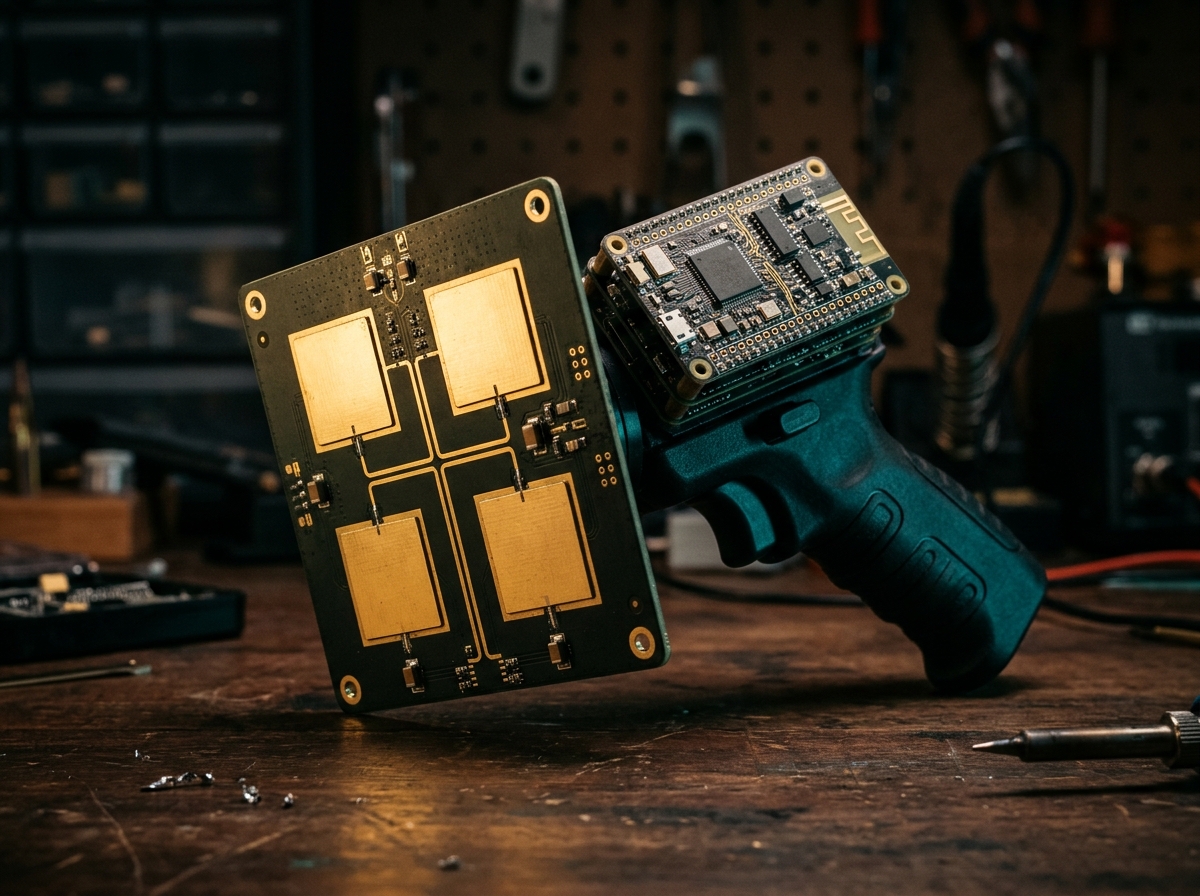
Chapter two · Space
A spectrum display tells you a signal exists. It can't tell you where it is. Scale RF's QuadRF can. It's an open-source 4×4 MIMO software-defined radio and phased-array kit. Four coherent receive chains measure the tiny phase and timing differences between antennas, which is enough to work out which direction each signal is coming from.
The result is an RF camera. Mount a phone on the handle and you get a live overlay of glowing hotspots: access points, laptops, cameras, phones. You can see them sitting behind plasterboard, above ceiling tiles, in the next room.
Tap a hotspot and its IQ stream goes on to GNU Radio, SDRangel or your own Python for a closer look. Tiles can also be ganged together into bigger arrays.
Field guide
Once you've learned to look, the room looks different.
Every access point announces itself about ten times a second. On a persistence display they're faint, steady pulses, the heartbeat of the room.
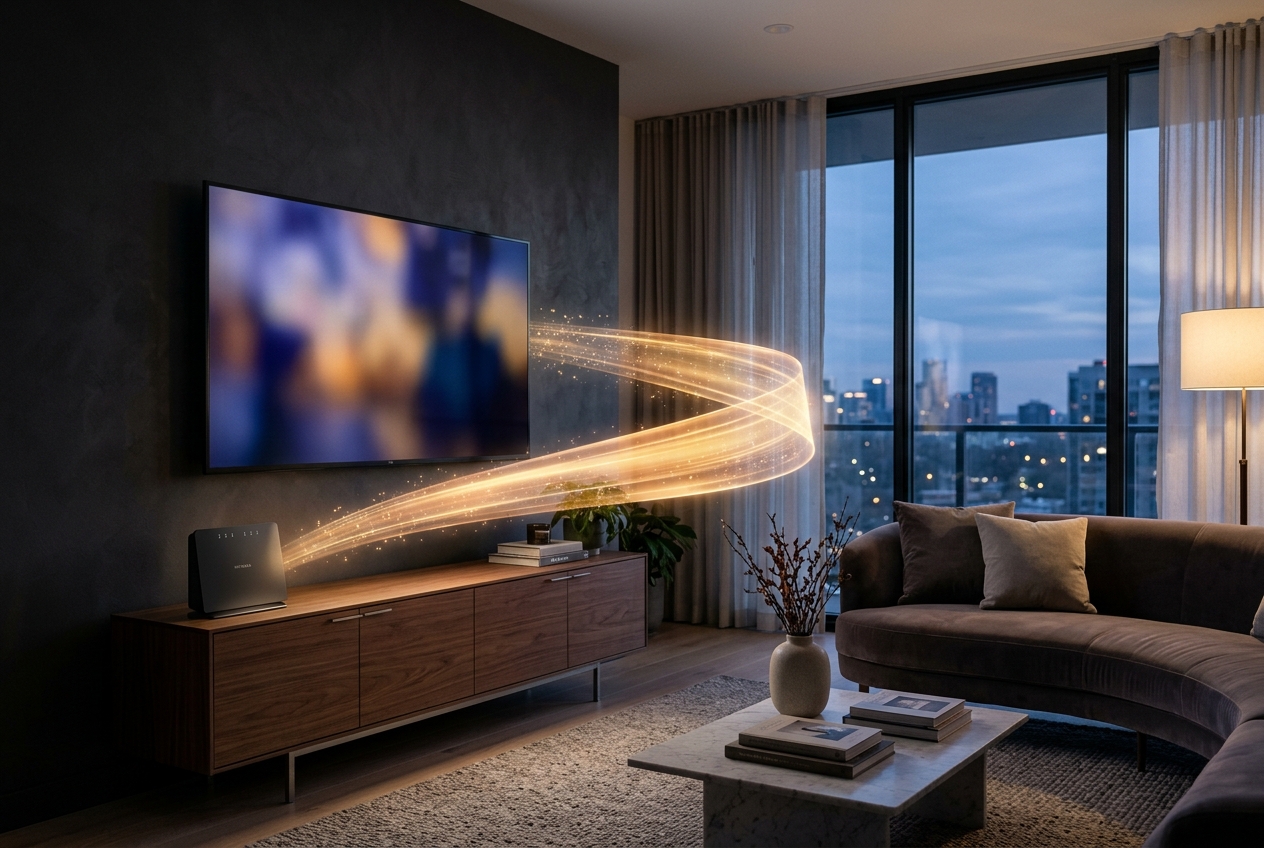
A flat, bright plateau 20–80 MHz wide that lights up the moment a film starts playing. You can see that something is streaming, though not what it is.

Tiny 1–2 MHz sparks hopping 1,600 times a second across the whole 2.4 GHz band. Your headphones, your watch, your keyboard.
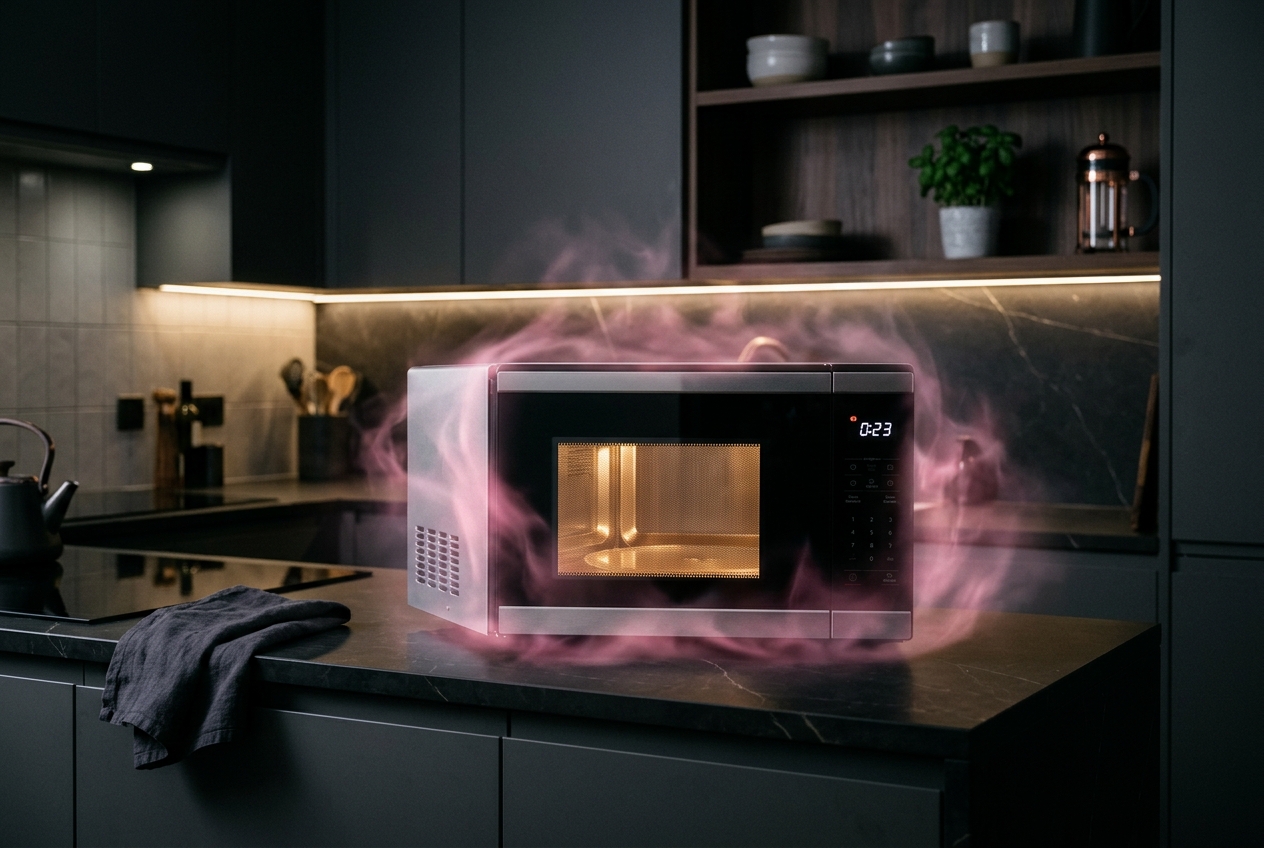
A broad, wobbling smear around 2.45 GHz, pulsing at mains frequency. Lunch is surprisingly loud.
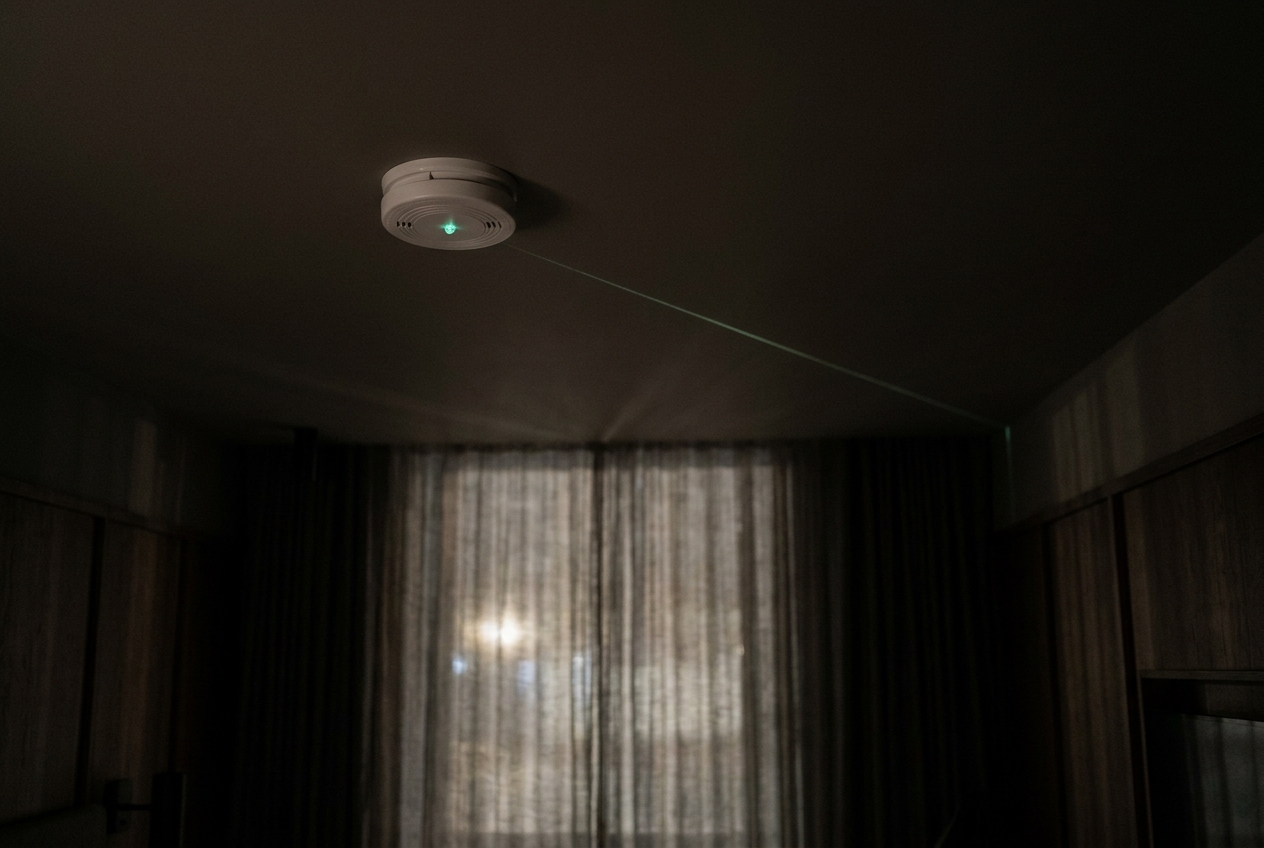
A constant uplink coming from a smoke alarm or a clock. An RF camera like QuadRF will show you exactly which corner it's in.
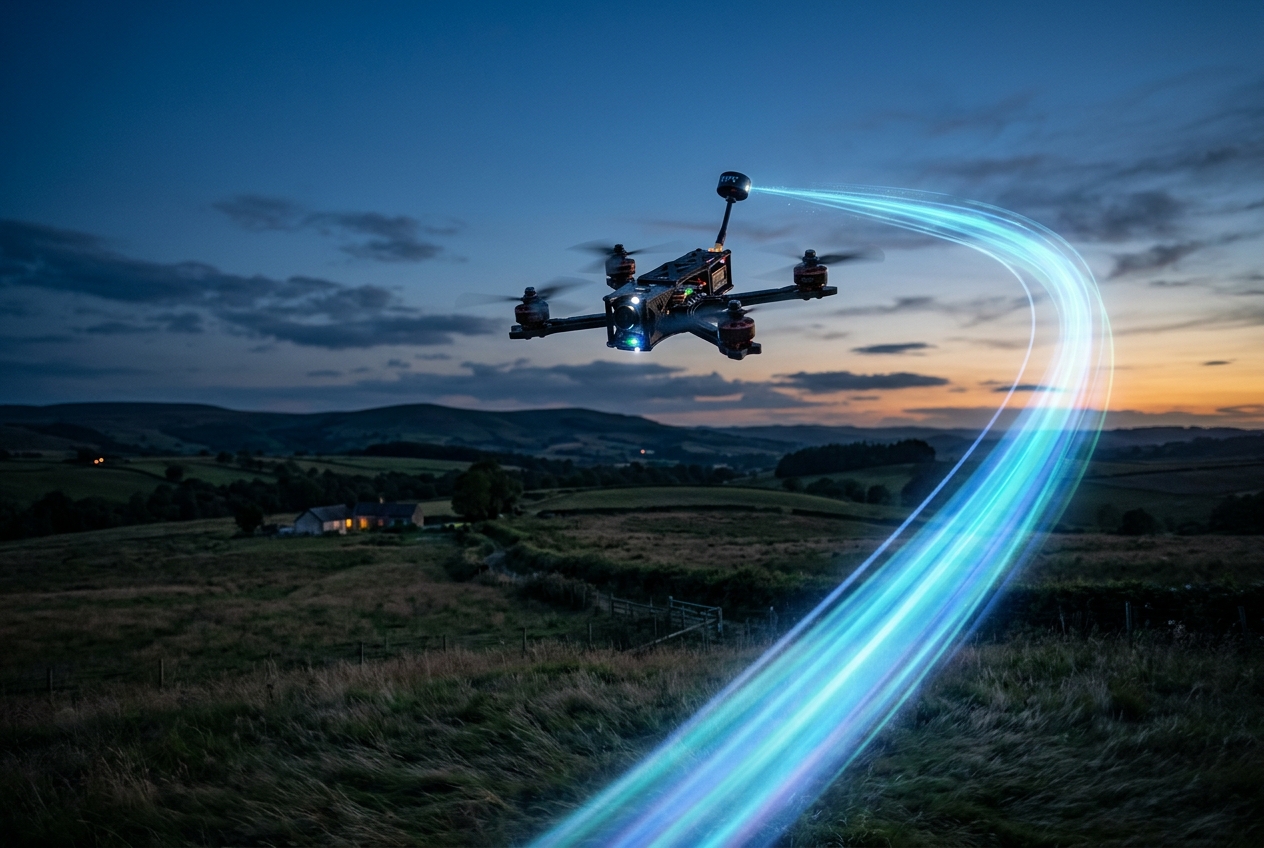
Strong, wide video links up in the 5.8 GHz band. Direction-finding lets you look up and see where they're coming from.
Open your eyes
A HackRF One or a PlutoSDR covers 2.4 and 5 GHz WiFi on a hobbyist budget. A USRP or bladeRF gives you more bandwidth. An RTL-SDR dongle doesn't tune high enough for WiFi, but it's a great way to start on other bands.
Packages exist for most Linux distributions, or you can build gr-fosphor from the Osmocom sources. You'll need a GPU with working OpenCL; most modern NVIDIA, AMD and Intel GPUs are fine.
Start on channel 6 (2.437 GHz), then wander up to 5 GHz. Switch the microwave on, start a download, open a Bluetooth app, and watch what changes.
When frequency isn't enough, move up to a coherent phased array like QuadRF and start seeing where each signal is as well as what it is.
Watching the spectrum is passive and, in most places, perfectly legal. Decoding, intercepting or interfering with other people's traffic is a different thing. Use your new eyes to learn, to troubleshoot, and to find the rogue camera in your Airbnb. Respect people's privacy and follow your local regulations, especially if you transmit.